

















1. What is Dofun Voice? A Detailed Introduction
Dofun Voice is a state-of-the-art voice assistant built specifically for in-car use on Android-based infotainment systems. Leveraging the latest advances in natural language processing (NLP) and AI, it understands complex, conversational commands, even in noisy environments typical of driving conditions. Unlike generic voice assistants, Dofun Voice is optimized to control in-car functions like navigation, phone calls, messaging, media playback, and even vehicle settings where supported. It integrates natively with Android car head units, ensuring smooth operation without lag or crashes. Furthermore, Dofun Voice is continuously updated through a dedicated app to improve accuracy, add features, and maintain compatibility with new Android versions and vehicle models.
1.1 Why You Must Use Dofun Voice for Safer Driving
- Reduce Dangerous Distractions Research consistently shows that manual interaction with infotainment systems significantly raises accident risk. Dofun Voice allows drivers to execute commands without ever taking hands off the wheel or eyes off the road, drastically lowering distractions.
- Streamline In-Car Multitasking Managing calls, texts, directions, and music simultaneously is challenging. Dofun Voice’s multi-modal understanding enables smooth multitasking via simple speech, so you stay organized effortlessly.
- Universal Compatibility Compatible with Android 7.0 and above, Dofun Voice works with a wide range of car makes and models including Toyota, Honda, Ford, Volkswagen, and more.
- Reliable in Real-World Conditions Advanced noise cancellation and context awareness allow Dofun Voice to accurately interpret commands even with road noise, wind, or music playing.
1.2 Real User Stories: How Dofun Voice Makes a Difference
John’s Stressful Morning Commute Turned Smooth
“My name is John, and I work as a sales manager in New York City. Every morning, I face heavy traffic during rush hour, and the noise inside the car is overwhelming with honking, radios, and conversations. Before I started using Dofun Voice, I used to fumble with my phone or the car’s touchscreen to answer calls or change navigation routes, which was stressful and dangerous. After installing Dofun Voice on my Android car system, everything changed. Now, when my phone rings, I just say, ‘Hey Dofun, answer the call,’ and it picks up immediately without me having to take my hands off the wheel. When traffic gets bad, I say, ‘Hey Dofun, reroute to avoid traffic,’ and it quickly finds a better path. The voice recognition is impressively accurate—I rarely have to repeat myself. Driving feels safer and less stressful, and I can focus better on the road and my work calls.”Emily’s Family Road Trip Made Safer and More Enjoyable
“I’m Emily from San Francisco, and on weekends I love taking my kids on road trips around California. Before I had Dofun Voice, I would constantly have to pull over or glance away from the road to switch music, check directions, or send quick messages, which made driving stressful. Since adding Dofun Voice to my car’s Android head unit, my driving experience has improved dramatically. On one trip up the coast, even with the windows down and kids chatting loudly, I could say, ‘Hey Dofun, play the kids’ playlist,’ and the music switched right away at a comfortable volume. When my kids asked to stop for snacks, I just said, ‘Hey Dofun, find the nearest gas station with a convenience store,’ and it quickly updated the route. I feel much more relaxed behind the wheel, knowing I don’t have to take my eyes off the road or hands off the wheel, and my kids love the smooth ride too.”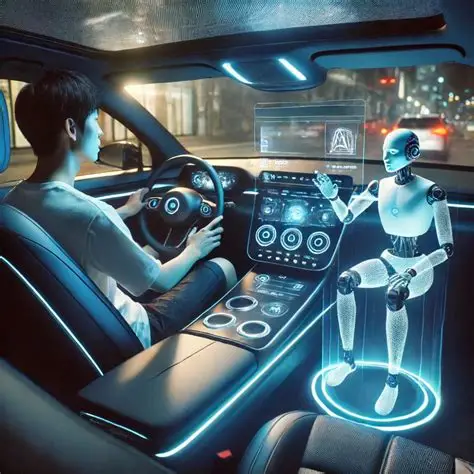
1.3 Multilingual Support and Wake-Up Commands
Dofun Voice supports a variety of languages worldwide, making it accessible for global users. The assistant listens for wake-up commands in your preferred language, providing a seamless experience no matter where you drive.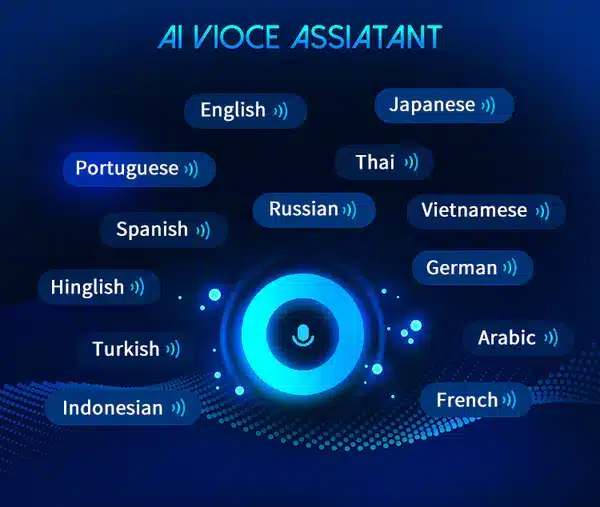
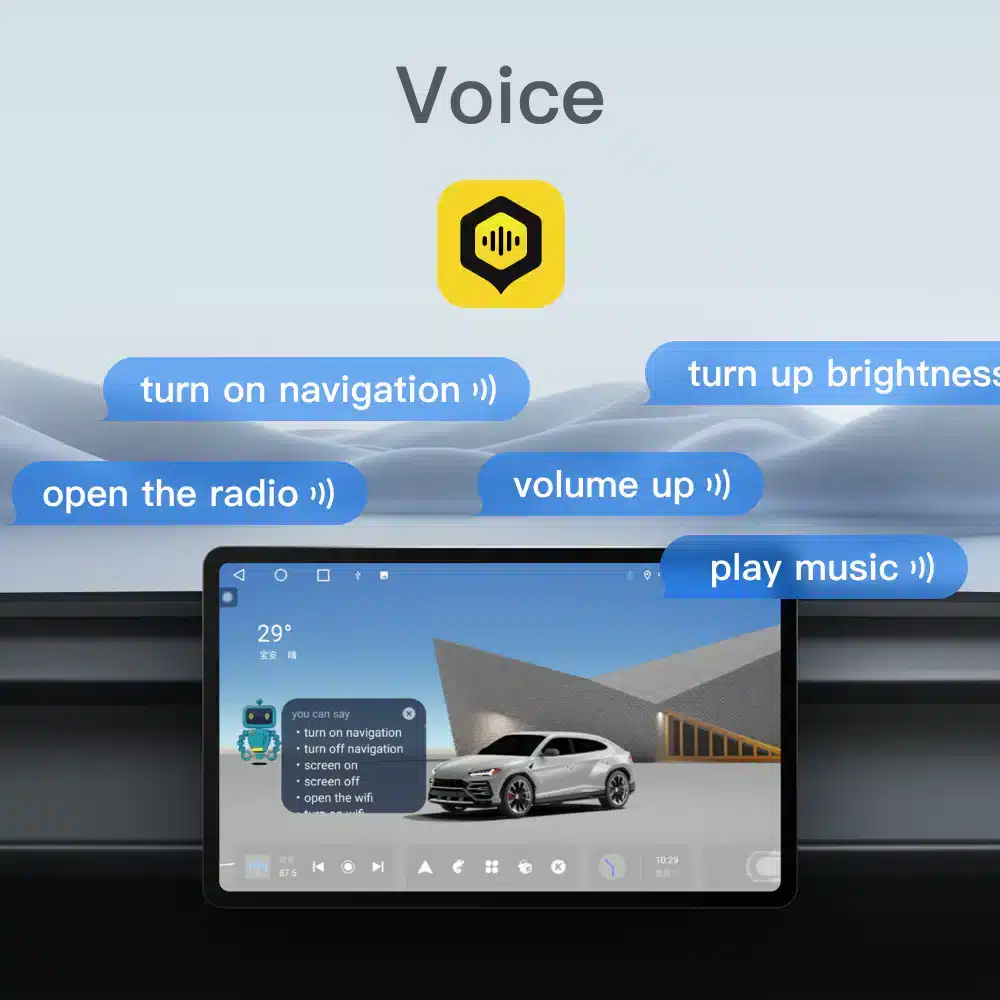
1.4 Common Voice Commands You Can Use
Dofun Voice understands a wide range of commands, including but not limited to:- “Call [Contact Name]”
- “Navigate to [Destination]”
- “Play [Artist/Playlist/Genre]”
- “Send message to [Contact Name]”
- “What’s the weather like?”
- “Find nearest gas station/restaurant/parking”
2. How to Activate Dofun Voice in One Minute: Step-by-Step
Activating Dofun Voice is fast and easy. To access all features, follow these steps carefully:- Download the Official Dofun Voice APK Ensure you download only from official websites or verified distributors to avoid malicious apps.
- Install the App on Your Android Head Unit If installation is blocked, enable “Unknown Sources” temporarily in system settings.
- Get a Valid Activation Code You might see offers online for “Dofun Voice free activation code.” Only trust official promotions or authorized dealers to avoid scams.
- Activate the App Open Dofun Voice and enter your activation code in the activation section.
- Start Using Voice Commands Say “Hey Dofun” plus your command and enjoy hands-free control.
3. Key Features and Customization
- Natural Language Understanding: Understands conversational speech and varied accents.
- Context Awareness: Supports follow-up commands without repetition.
- Custom Commands: Create personalized voice commands.
- Multilingual Support: Switch languages on the fly.
- Real-Time Traffic Updates: Get verbal alerts and reroutes.
- Music Control: Play, pause, skip, and adjust volume.
- Hands-Free Communication: Make calls and send texts.
- Continuous Updates: Regular improvements and new features.
4. Compatibility and Supported Vehicles
Dofun Voice supports Android 7.0+ infotainment systems across many popular vehicles:- Toyota Camry (2015+)
- Honda Accord (2016+)
- Ford Explorer (2018+)
- Volkswagen Passat (2017+)
- And many others
5. Frequently Asked Questions (FAQ)
- Where can I find a Dofun Voice free activation code?
- Official promotions or authorized sellers occasionally provide free activation codes. Avoid unverified sources to protect your device.
- How do I activate Dofun Voice?
- Enter your activation code in the app after installation to unlock full features.
- Is Dofun Voice compatible with my car?
- If your car has an Android 7.0+ infotainment system, it should be compatible. Confirm with official sources.
- Can I customize voice commands?
- Yes, you can personalize commands and preferences easily.
- What if I face issues using Dofun Voice?
- Use the in-app support or contact customer service for assistance.
